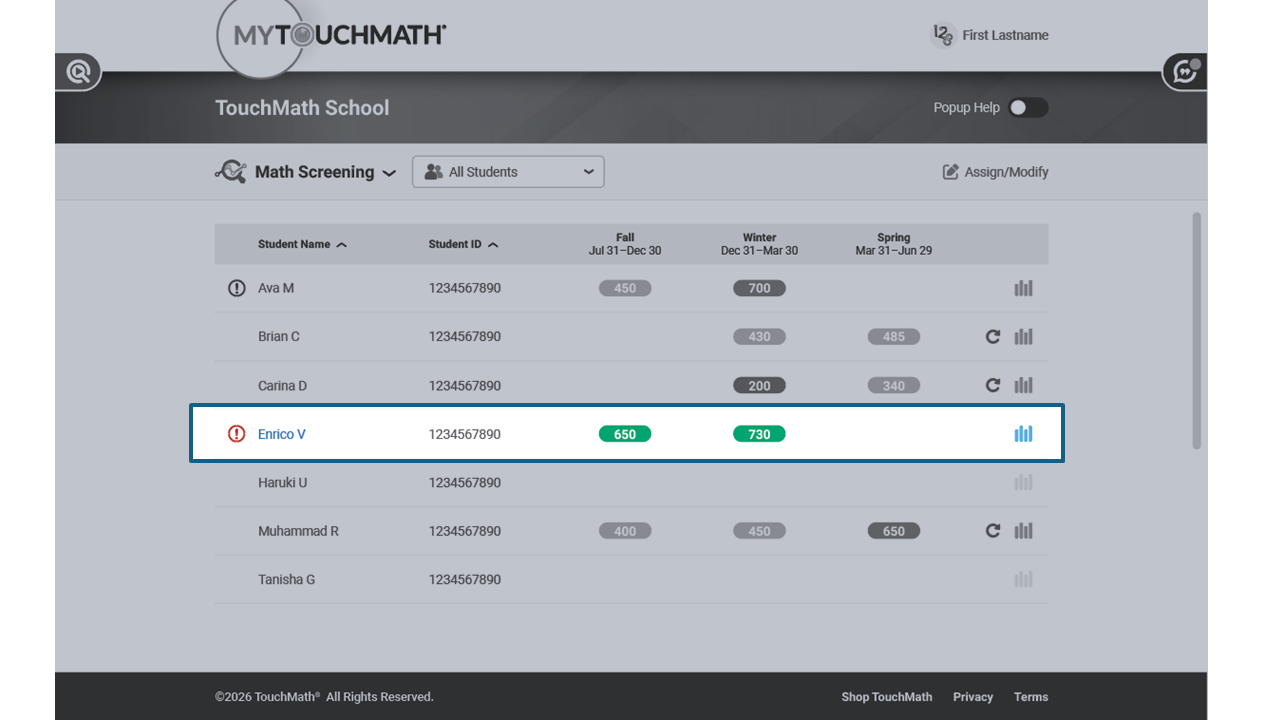
How do I know which students have completed a Math Screener?
Navigate to the Math Screening view to identify students who have and have not completed a Math Screener during each testing window. Students who have not completed a screener for the current window will be listed on the screen with a red icon before their name.
Step-by-Step Guidance
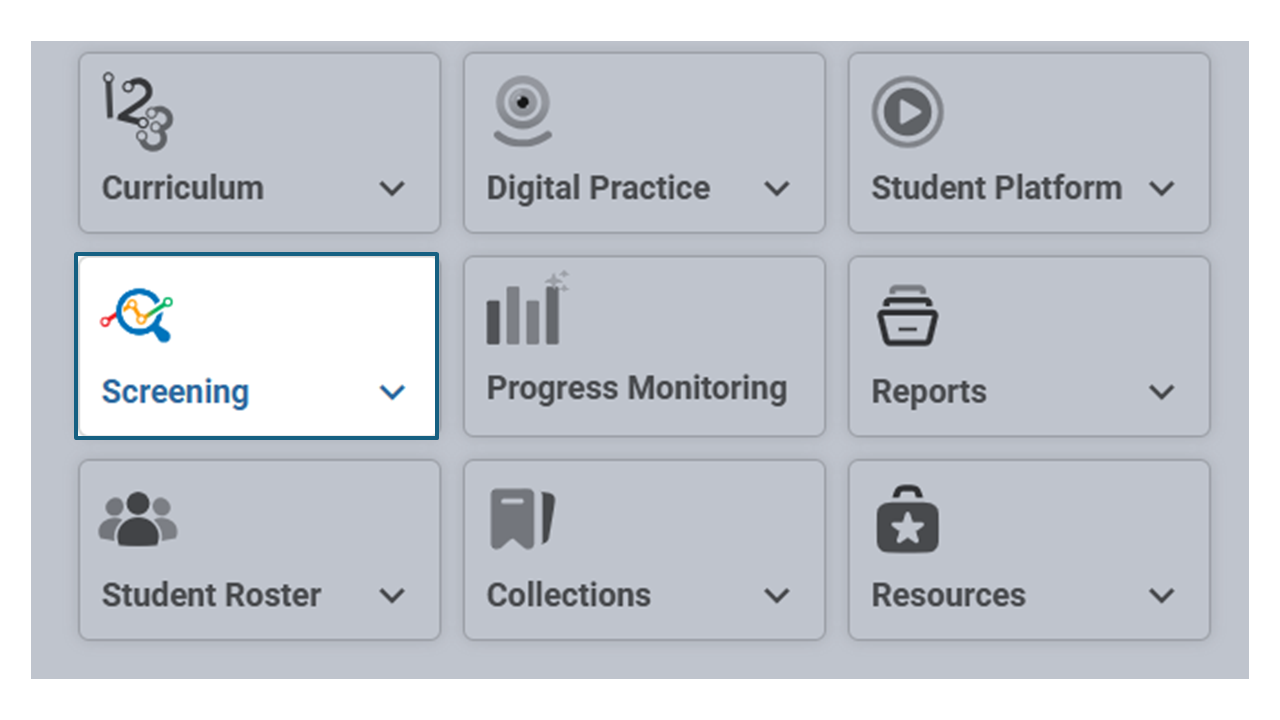
Log into TouchMath and select the Screening Tile from the Dashboard. Select Math Screening in the drop down menu.
Once a student roster has been selected, this view will appear.
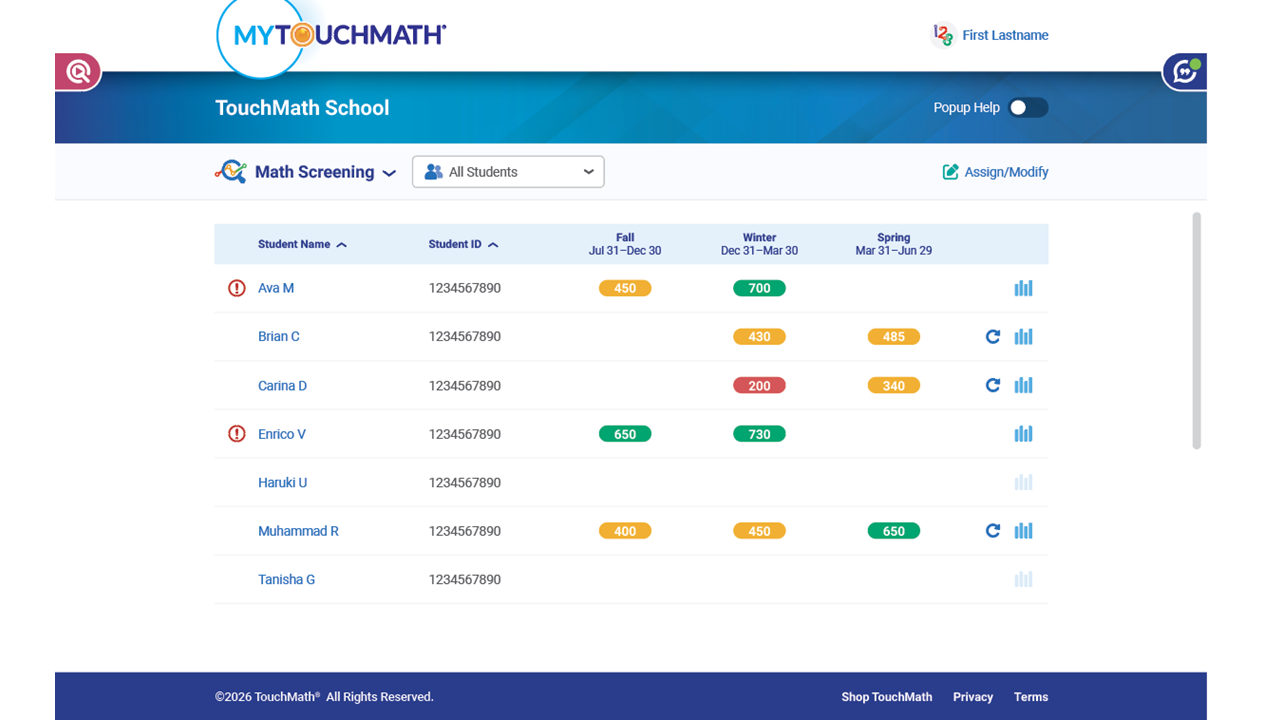
Each student is listed alphabetically by first name.
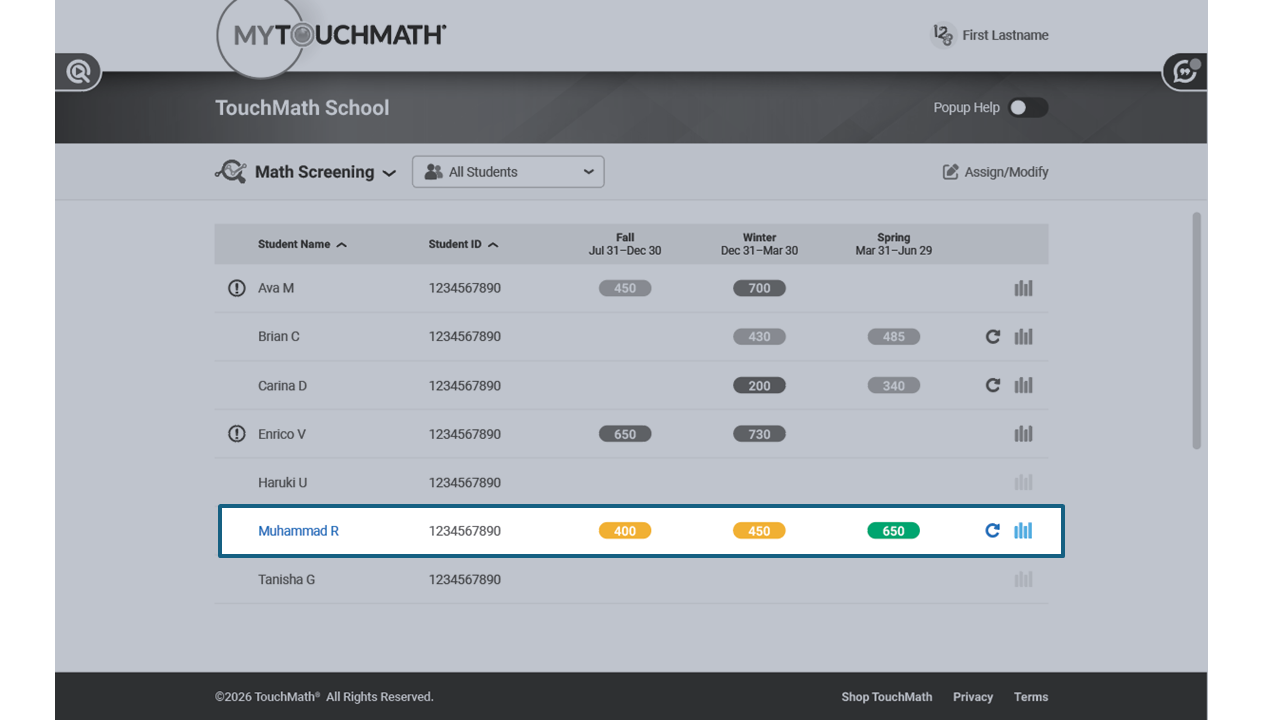
Look at Muhammad R. He earned a 400, 450 and 650 on the fall, winter and spring screeners.
Now, look at Enrico V. Notice the red icon shown before his name. This indicates a Math Screener has been assigned, but has not been completed.