
What do the different colors mean on the Student Academic Screener Summary?
The different background colors indicate how the student's performance compared to the score ranges for the grade level of the test they completed.

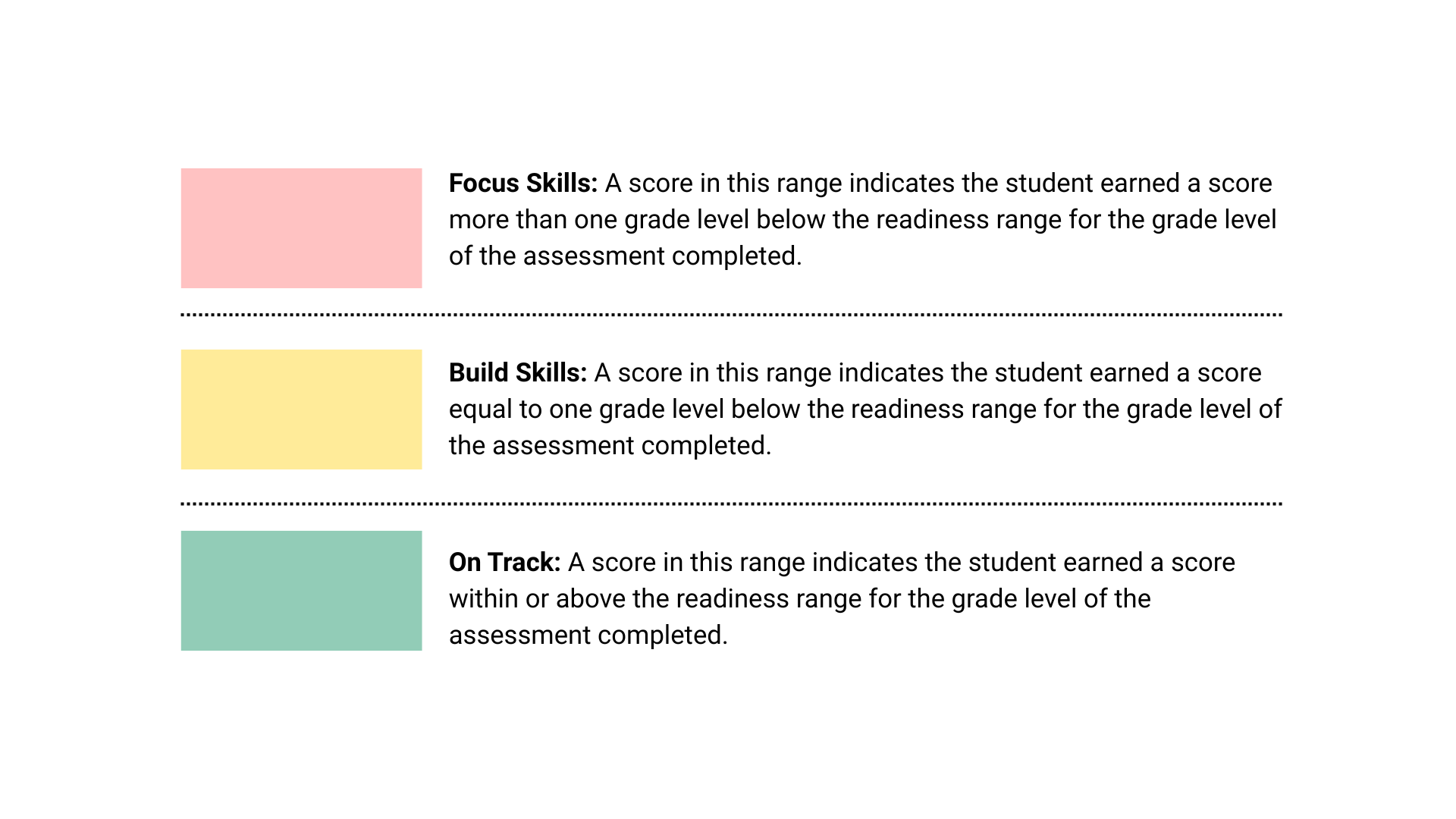
Red Background Focus Skills: A score in this range indicates the student earned a score more than one grade level below the readiness range for the grade level of the assessment completed.
Yellow Background Build Skills: A score in this range indicates the student earned a score equal to one grade level below the readiness range for the grade level of the assessment completed.
Green Background On Track: A score in this range indicates the student earned a score within or above the readiness range for the grade level of the assessment completed.
Student Example

This student's scores are interpreted for readiness below:
Overall Score of 430 in the yellow or "Build Skills" range - this indicates that this student's performance indicates they are close to grade level readiness, but would benefit from additional skill building with prerequisite and precursor skills.
The Domains are organized by complexity from least complex to more complex.
This student's domain-specific scores are summarized below:
On Track Domains
- Geometry
Build Skills Domains
- Mathematical Processes
- Measurement
- Algebra
- Statistics and Probability