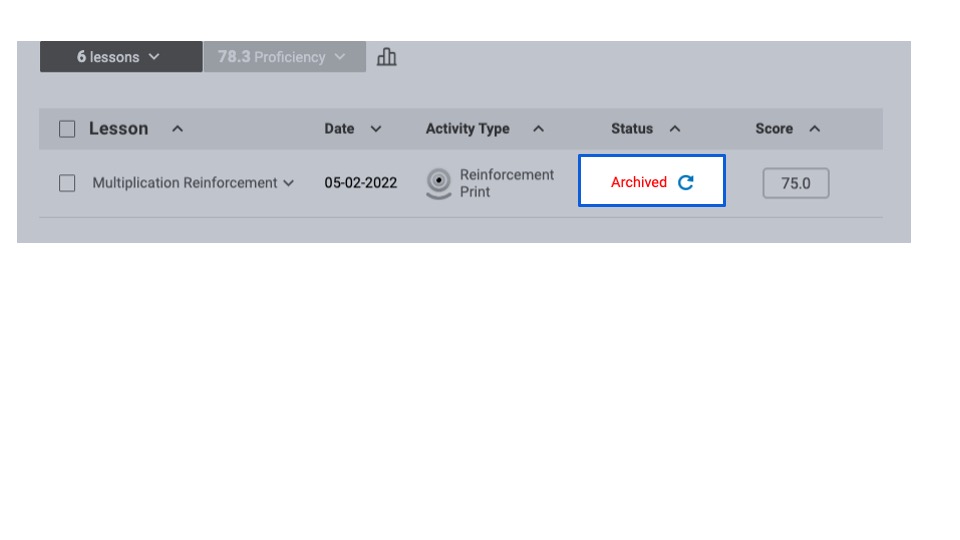
How do I manage and access archived lessons?
Educators review and manage archived lessons by navigating to the Student Roster tile.
Archived lessons are retained and inactive. Educators can access these lessons and update their status by restoring or “unarchiving” them.
Step-by-Step Guidance
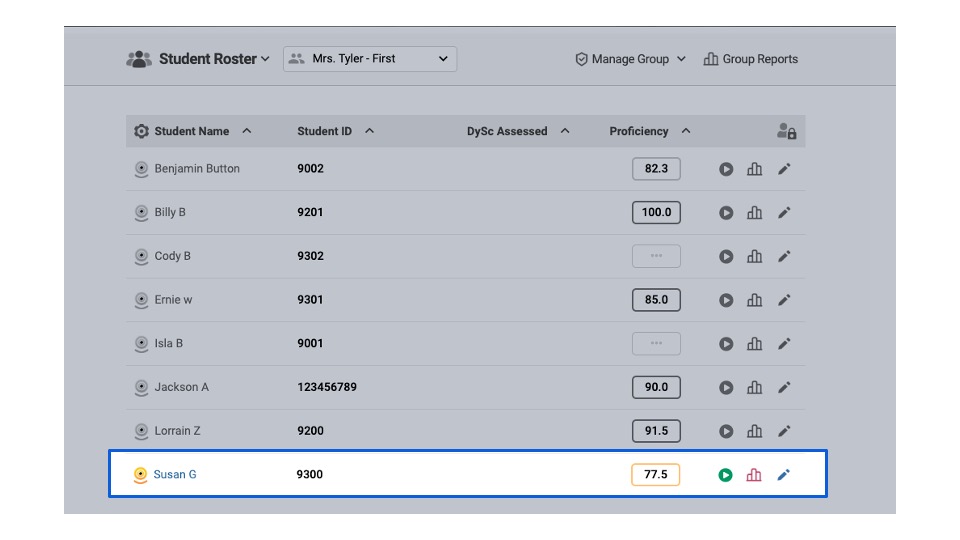
Navigate to the student roster where the student with the archived lesson is listed
Click the student’s name
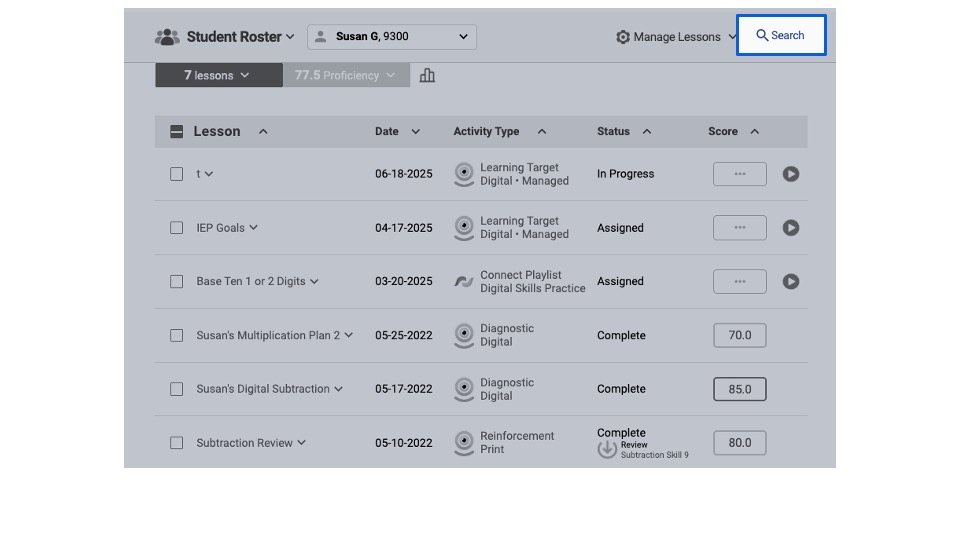
Locate and click “Search” in the top right corner of the screen
This window opens
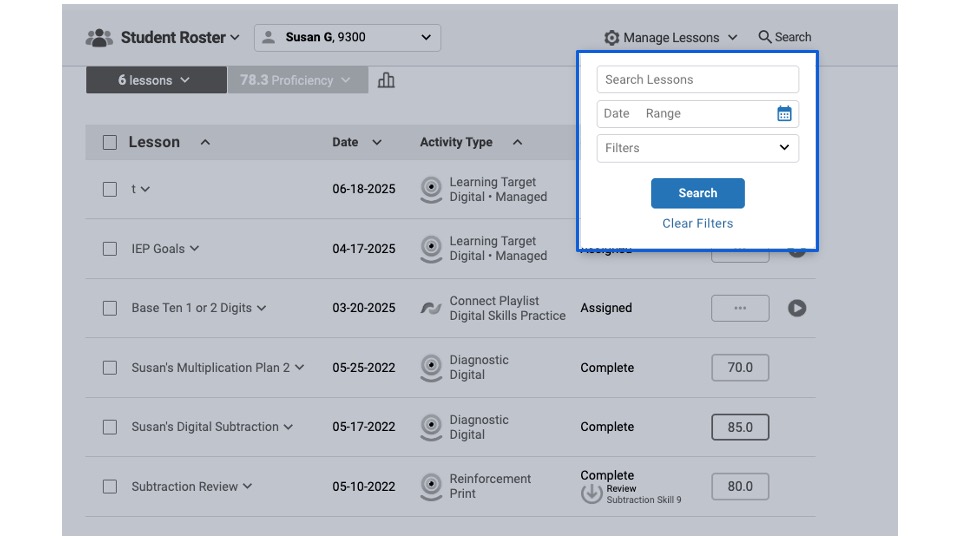
Click “Filters” and check all of the boxes – including “Archived.”
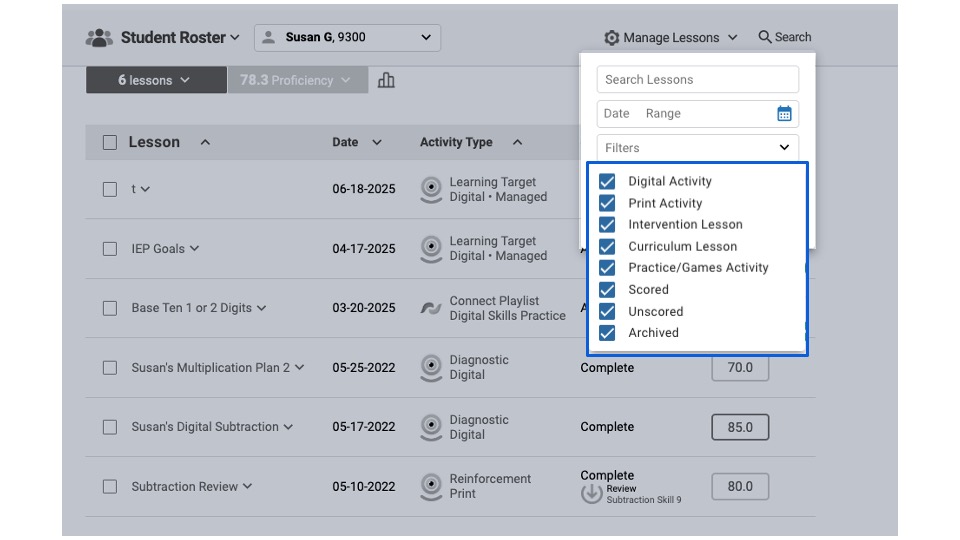
Close the dropdown and Click “Search”
A list of archived lessons will be displayed.
Educators review the archived lesson's data
Restore the lesson by clicking the blue "reload arrow." This will remove the lesson from the archive and reactivate it.